
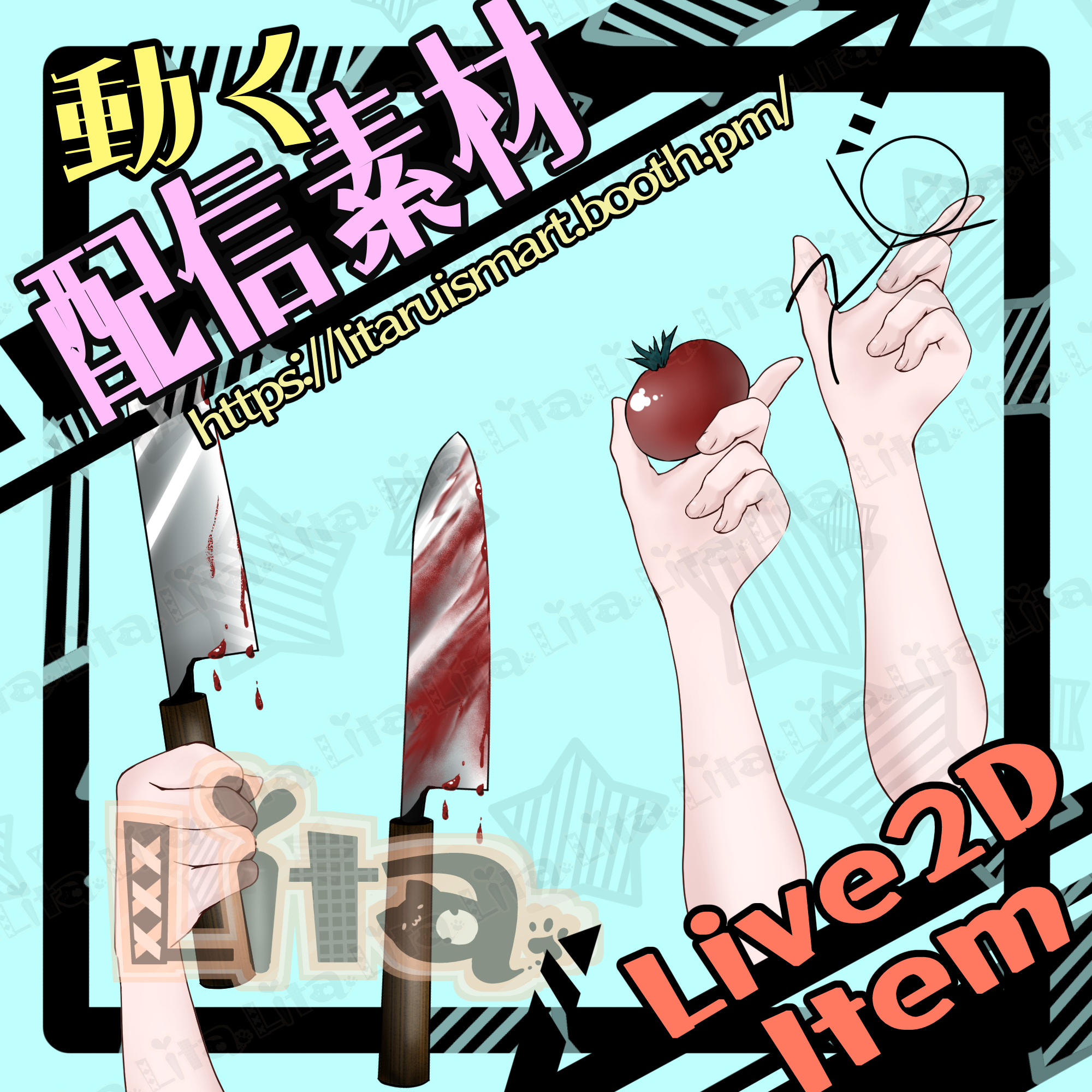
(027)ヤンデレナイフ・包丁/Yandere Knife (Bloody)
Litaの作品を見つけてくれてありがとう!
Thanks for finding my work!
Preview Video
Download / Purchase
English Description
Yandere Knife (Bloody) is a Live2D asset for VTube Studio with a cutting motion, selectable objects, and tomato juice effects.
Switching Objects
Fruits are hidden by default. Before selecting another fruit, press the current fruit’s key again to turn it OFF, then turn the next one ON. This setup accommodates the large number of available objects.
Resetting the Display
If you lose track of which objects are ON, press 1 to reset the display. This does not stop the tomato juice dripping idle motion; press 0 to stop it.
Tomato Juice & Hand Controls
Increase the tomato juice, hide either hand, or hide all tomato juice using keybinds.
No sound effects are included.
Included Files
・knife.zip
・KnifeIllust.zip
・Live2D item files
moc3 / model3.json / textures, etc.
*Can be used with VTube Studio / nizima LIVE.
Keybind Settings
Cutting & Objects
Right Click: Cut motion
1: Reset display
2: Stick figure
3: Heart
4: Mandarin orange
5: Strawberry
6: Tomato
7: Apple
Tomato Juice
9: Tomato juice dripping motion ON
0: Tomato juice dripping motion OFF
Q: Increase tomato juice
R: All tomato juice OFF
Hands
W: Left hand OFF
E: Right hand OFF
日本語説明
VTube Studioで使える「ヤンデレナイフ・包丁」のLive2D素材です。カットモーション、表示するものの切り替え、トマト汁の演出に対応しています。
果物を切り替えるとき
果物は初期状態で非表示です。別の果物に替えるときは、現在の果物を同じキーでもう一度OFFにしてから、次の果物をONにしてください。種類が多いため、このような仕様にしています。
表示リセットの注意
何がON/OFFになっているか分からなくなった場合は、1キーで表示をリセットできます。ただし、トマト汁のポタポタ待機モーションは止まらないため、0キーで停止してください。
トマト汁・手の表示
トマト汁を多めにしたり、左右の手やすべてのトマト汁を非表示にしたりできます。
効果音は付属しません。
内容物
・knife.zip
・KnifeIllust.zip
・Live2Dアイテム一式
moc3 / model3.json / texture など
※VTube Studio / nizima LIVEで使用できます。
キーバインド設定
カット・表示するもの
右クリック:カットモーション
1:表示リセット
2:棒人間
3:ハート
4:みかん
5:イチゴ
6:トマト
7:りんご
トマト汁
9:トマト汁ポタポタモーションON
0:トマト汁ポタポタモーションOFF
Q:トマト汁多め設定
R:すべてのトマト汁OFF
手の表示
W:左手OFF
E:右手OFF

Important Note
✅ Commercial use and editing are permitted.
✅ Credit is optional.
✅ Copyright is not waived.
✅ By using this product, you are deemed to have agreed to the Terms of Sale.
🔗 https://lita-art.net/terms-and-condition/
⚠️ There are no restrictions on use in adult-oriented / NSFW content.
Please use within the bounds of common sense.
Color Changes & Sound Effects
Some items support color changes and/or sound effects.
To change the color, adjust the “Color” parameter in the expression settings if available. If there is no “Color” parameter, change the color using the ArtMesh color settings.
Setup Guide:
🔗 https://lita-art.net/how-to-set-up/
Contact
Questions and consultations are accepted via DM.
Feel free to contact me ✨
X: https://twitter.com/LitaVtuber
Web: https://lita-art.net/contact-form/
ご利用について
✅ 商用利用・編集OK
✅ クレジット表記は任意
✅ 著作権は放棄していません
✅ ご利用の際は、利用規約に同意したものとみなします
🔗 https://lita-art.net/terms-and-condition/
⚠️ 成人向けコンテンツでの使用制限はありません。
常識の範囲内でご使用ください。
色変更・効果音について
一部のアイテムは、色変更や効果音に対応しています。
変更は、表情設定のパラメータ一覧に「Color」がある場合、その値を調整してください。「Color」がない場合は、アートメッシュの色設定から変更してください。
設定方法はこちら:
🔗 https://lita-art.net/how-to-set-up/
お問い合わせ
質問・ご相談はDMまでお気軽にどうぞ✨
X: https://twitter.com/LitaVtuber
Web: https://lita-art.net/contact-form/