
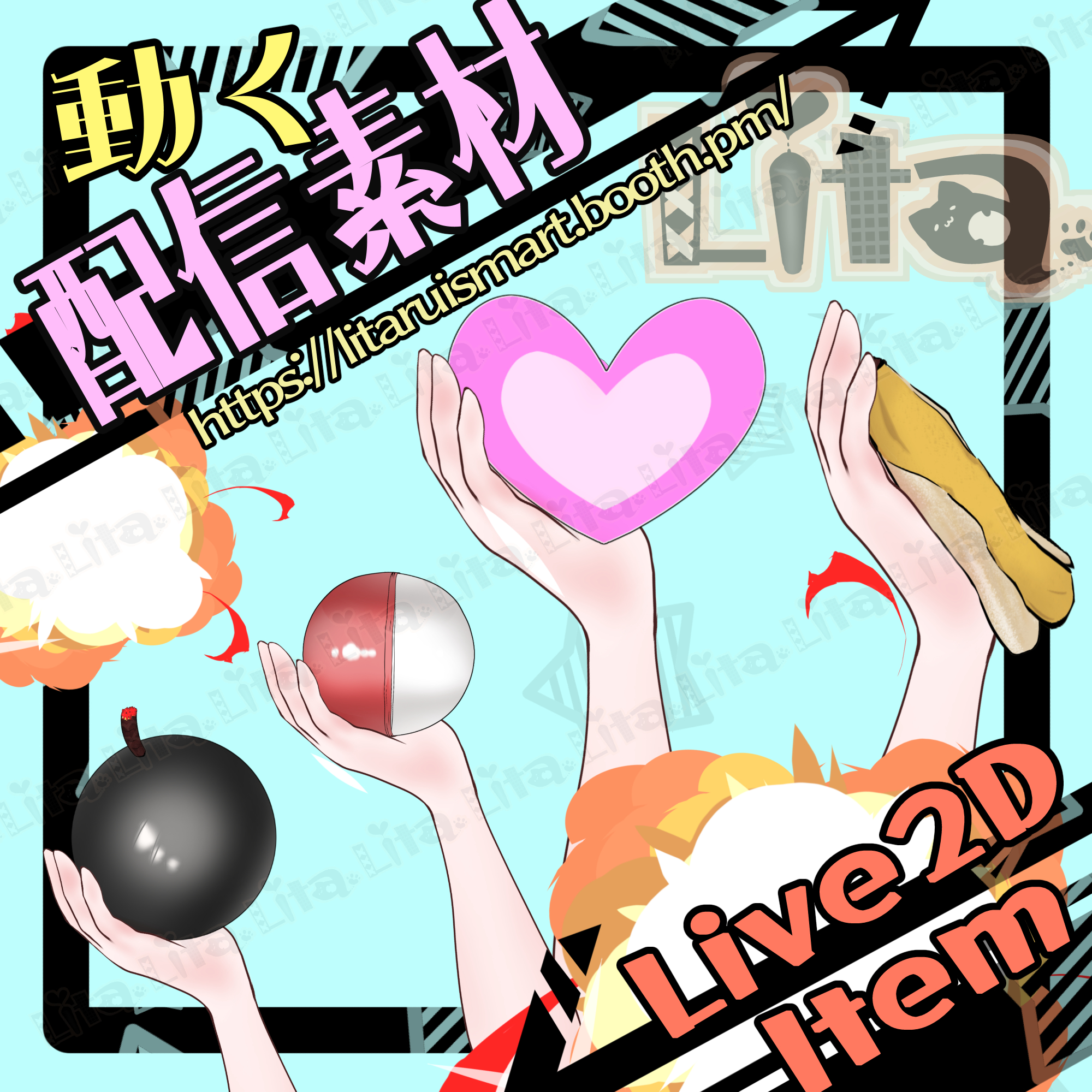
(077)投げるギミック(爆弾・バナナ・ハート)/Throwing Gimmick (Bomb / Banana / Heart)
Litaの作品を見つけてくれてありがとう!
Thanks for finding my work!
Preview Video
Download / Purchase
English Description
Throwing Gimmick (Bomb / Banana / Heart) is a Live2D asset for VTube Studio.
Throw, Bounce & Explode
Use Ctrl with the left, right, or middle mouse button to throw, bounce, or explode the item.
Item Options
Choose Custom 1, Custom 2, the Lita doll, capsule, banana, Love, or mosaic. You can also hide the bomb.
Custom Textures
Edit texture_01 and texture_02 to use your preferred item. The editing method is the same as in the tutorial below.
Custom Texture Setup Tutorial (English)
No sound effects are included.
Included Files
・0530Throw.zip
・0530ThrowIllust.zip
・Live2D item files
moc3 / model3.json / textures, etc.
*Can be used with VTube Studio / nizima LIVE.
Keybind Settings
Actions
Ctrl + Left Click: Throw
Ctrl + Right Click: Bounce
Ctrl + Middle Mouse Click: Explode
Item Options
Ctrl + 1: Custom 1
Ctrl + 2: Custom 2
Ctrl + 3: Lita doll
Ctrl + 4: Capsule
Ctrl + 5: Banana
Ctrl + 6: Love
Ctrl + 7: Mosaic
Ctrl + 9: Bomb OFF
Ctrl + 0: Reset expressions
日本語説明
VTube Studioで使える「投げるギミック(爆弾・バナナ・ハート)」のLive2D素材です。
投げる・バウンド・爆発
Ctrlとマウスの左・右・中央クリックを組み合わせて、投げる、バウンドさせる、爆発の動作を操作できます。
アイテムの切り替え
カスタム1・カスタム2・リタ人形・カプセル・バナナ・ラブ・モザイクを選べます。爆弾の非表示にも対応しています。
テクスチャのカスタマイズ
texture_01とtexture_02を編集して、お好きなアイテムに変更できます。編集方法は下記の動画をご確認ください。
カスタムテクスチャ設定方法(日本語)
効果音は付属しません。
内容物
・0530Throw.zip
・0530ThrowIllust.zip
・Live2Dアイテム一式
moc3 / model3.json / texture など
※VTube Studio / nizima LIVEで使用できます。
キーバインド設定
動作
Ctrl+左クリック:投げる
Ctrl+右クリック:バウンドさせる
Ctrl+マウス中央クリック:爆発
アイテムの切り替え
Ctrl+1:カスタム1
Ctrl+2:カスタム2
Ctrl+3:リタ人形
Ctrl+4:カプセル
Ctrl+5:バナナ
Ctrl+6:ラブ
Ctrl+7:モザイク
Ctrl+9:爆弾OFF
Ctrl+0:表情クリア

Important Note
✅ Commercial use and editing are permitted.
✅ Credit is optional.
✅ Copyright is not waived.
✅ By using this product, you are deemed to have agreed to the Terms of Sale.
🔗 https://lita-art.net/terms-and-condition/
⚠️ There are no restrictions on use in adult-oriented / NSFW content.
Please use within the bounds of common sense.
Color Changes & Sound Effects
Some items support color changes and/or sound effects.
To change the color, adjust the “Color” parameter in the expression settings if available. If there is no “Color” parameter, change the color using the ArtMesh color settings.
Setup Guide:
🔗 https://lita-art.net/how-to-set-up/
Contact
Questions and consultations are accepted via DM.
Feel free to contact me ✨
X: https://twitter.com/LitaVtuber
Web: https://lita-art.net/contact-form/
ご利用について
✅ 商用利用・編集OK
✅ クレジット表記は任意
✅ 著作権は放棄していません
✅ ご利用の際は、利用規約に同意したものとみなします
🔗 https://lita-art.net/terms-and-condition/
⚠️ 成人向けコンテンツでの使用制限はありません。
常識の範囲内でご使用ください。
色変更・効果音について
一部のアイテムは、色変更や効果音に対応しています。
変更は、表情設定のパラメータ一覧に「Color」がある場合、その値を調整してください。「Color」がない場合は、アートメッシュの色設定から変更してください。
設定方法はこちら:
🔗 https://lita-art.net/how-to-set-up/
お問い合わせ
質問・ご相談はDMまでお気軽にどうぞ✨
X: https://twitter.com/LitaVtuber
Web: https://lita-art.net/contact-form/